
Everything you copy, organized into a workflow.
Canvas for context, Nexus for speed, and optional Cloud Sync when you need continuity.
Sync is built with privacy as a first-class constraint.
Turn on sync only when you need continuity — and bring your own storage.
A fast second window for pick & paste without breaking focus.
Text, links, images, files — and mixed content in Canvas.
See what you’re opening before you switch context.
Preview JSON, Markdown, code, colors, and LaTeX — in place.
Extract text from images so it becomes searchable.
Keep projects organized without losing the bigger picture.
Save frequently used snippets to favorites for quick access.
Find items by keywords, time, content type, and source app.
Know where a clip came from to keep context intact.
Control how long history stays: day, week, month, year, or forever.
A tour of the UI
Replace these placeholders with real app screenshots.
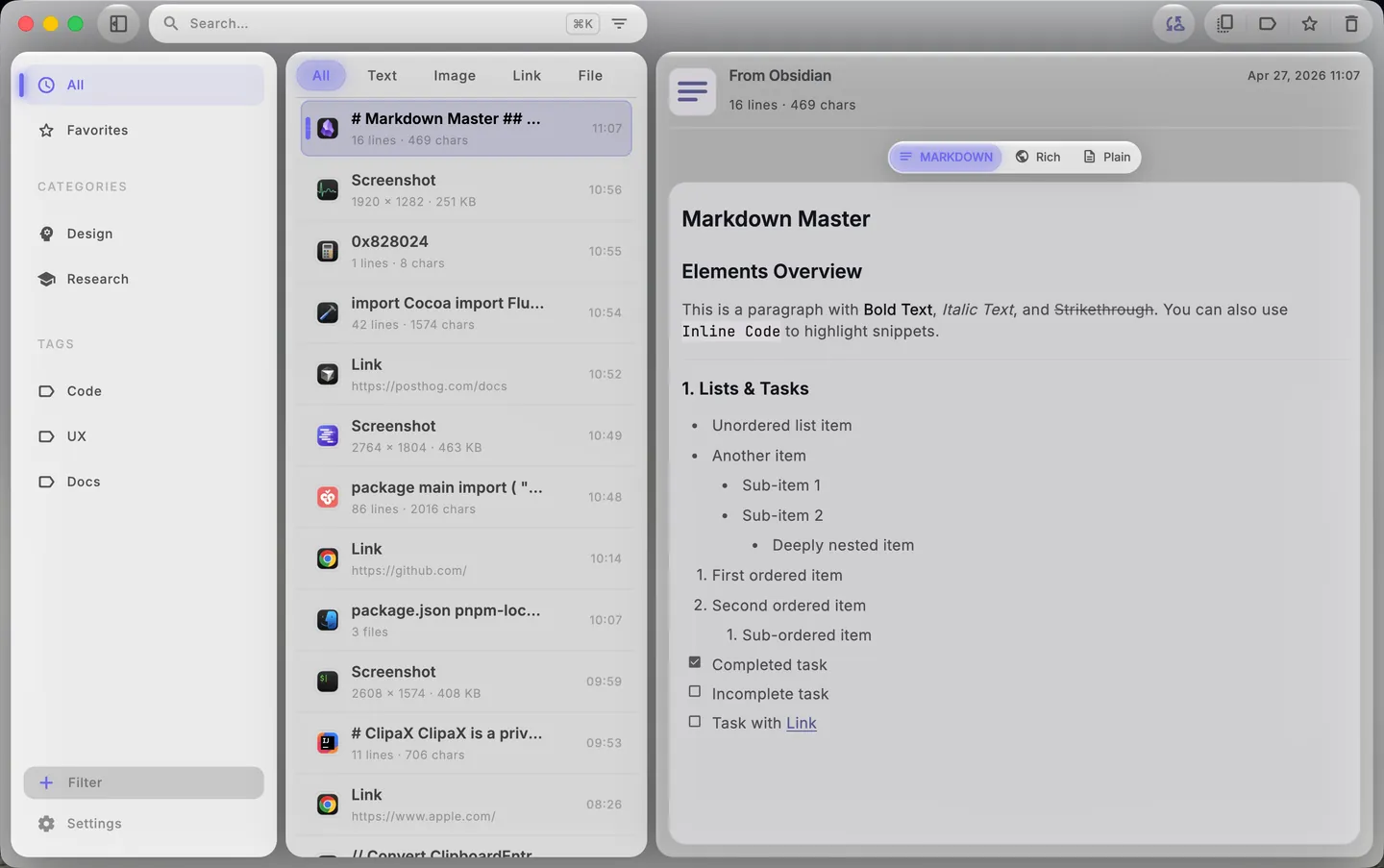
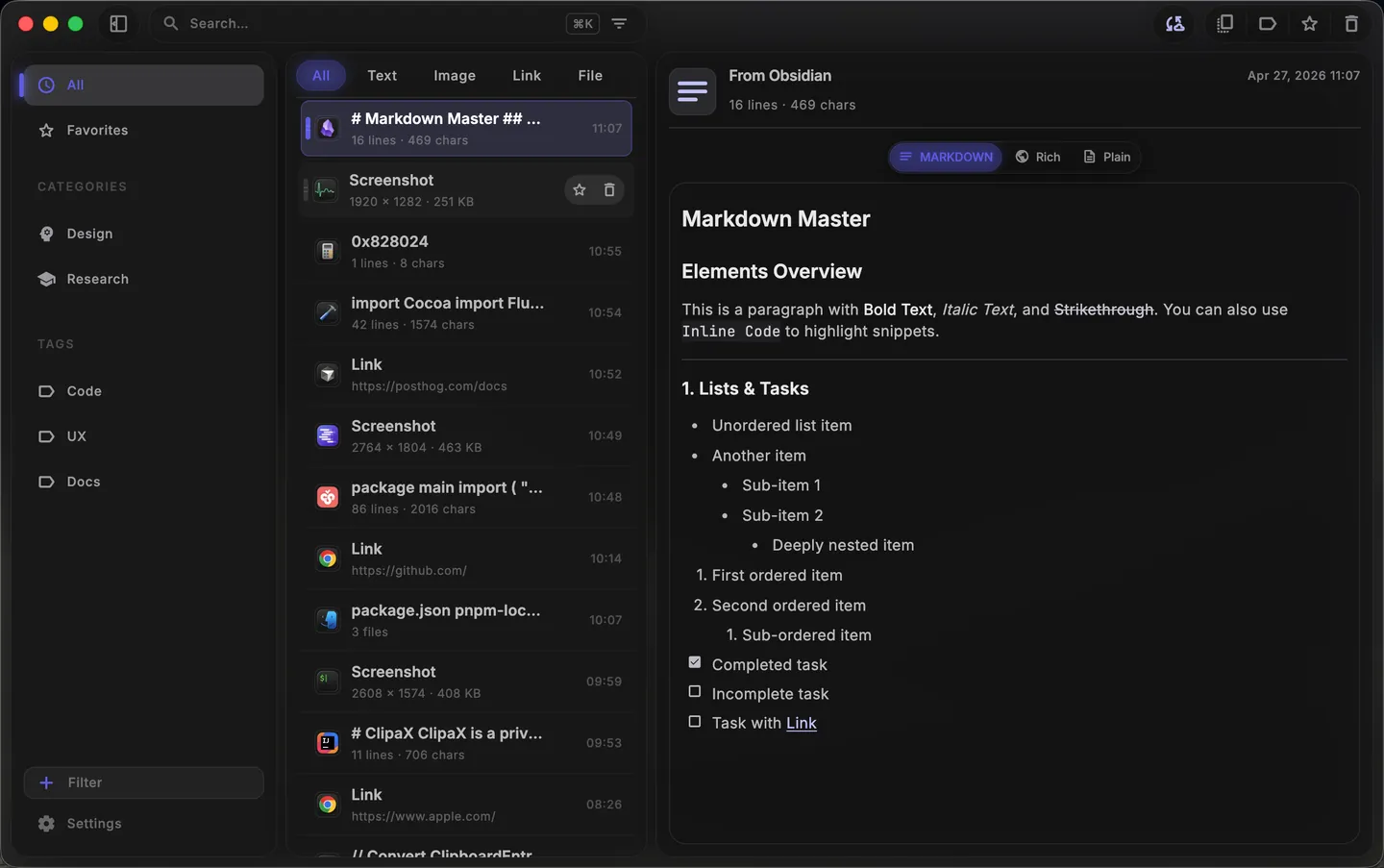
Your clipboard history as a visual space.
Quick pick & paste without losing your Canvas.
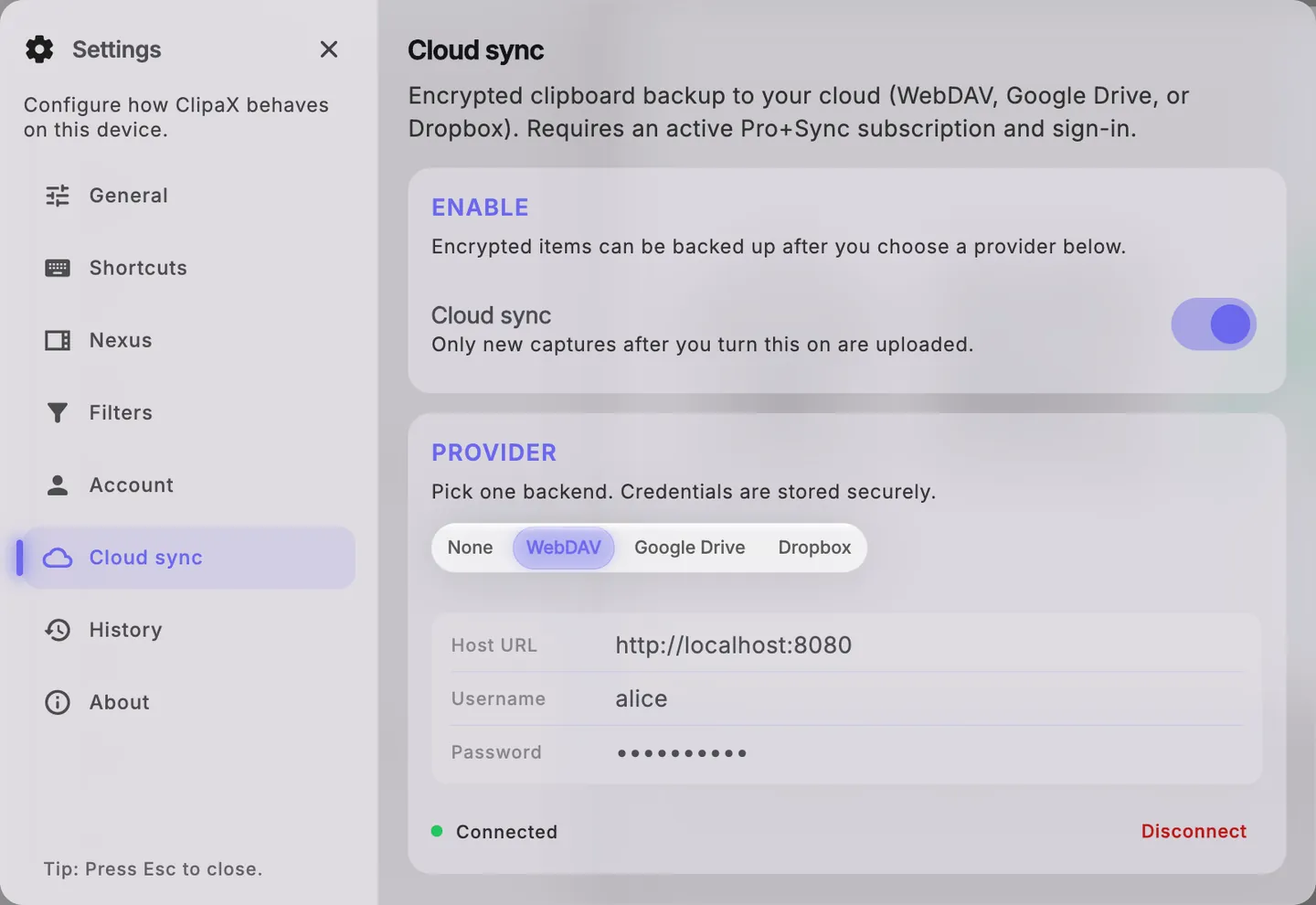
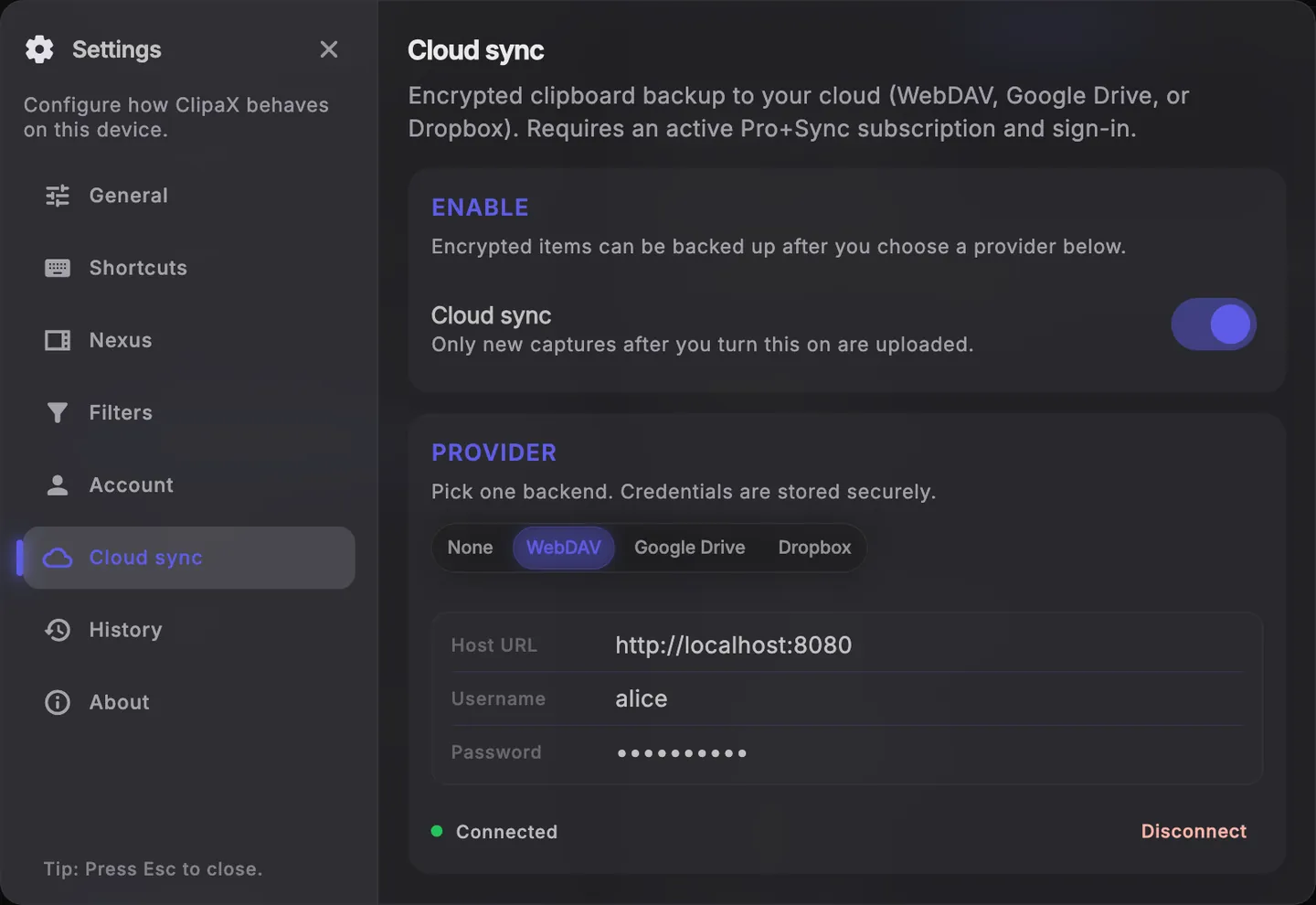
Optional sync across devices with privacy-first defaults.
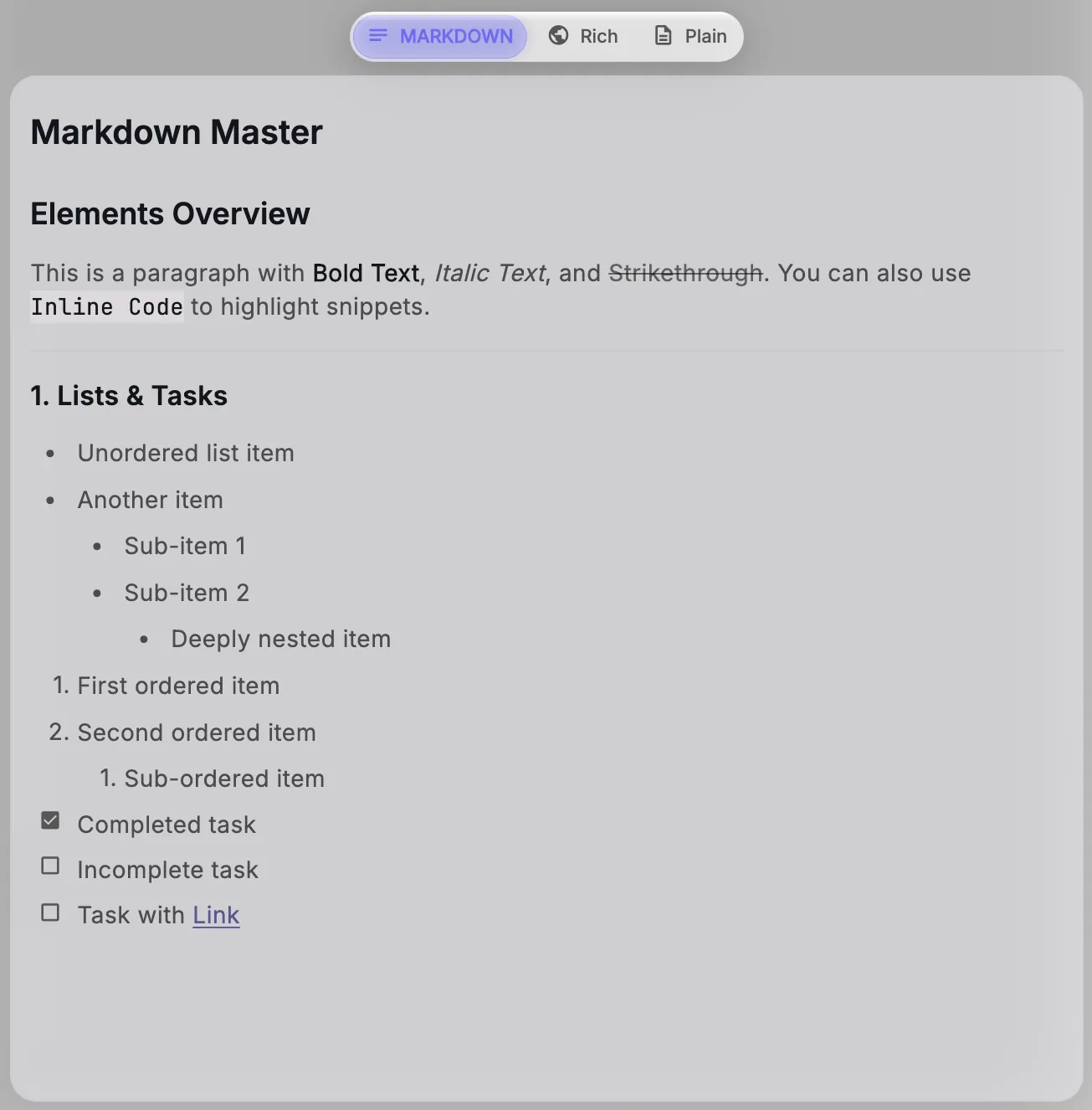
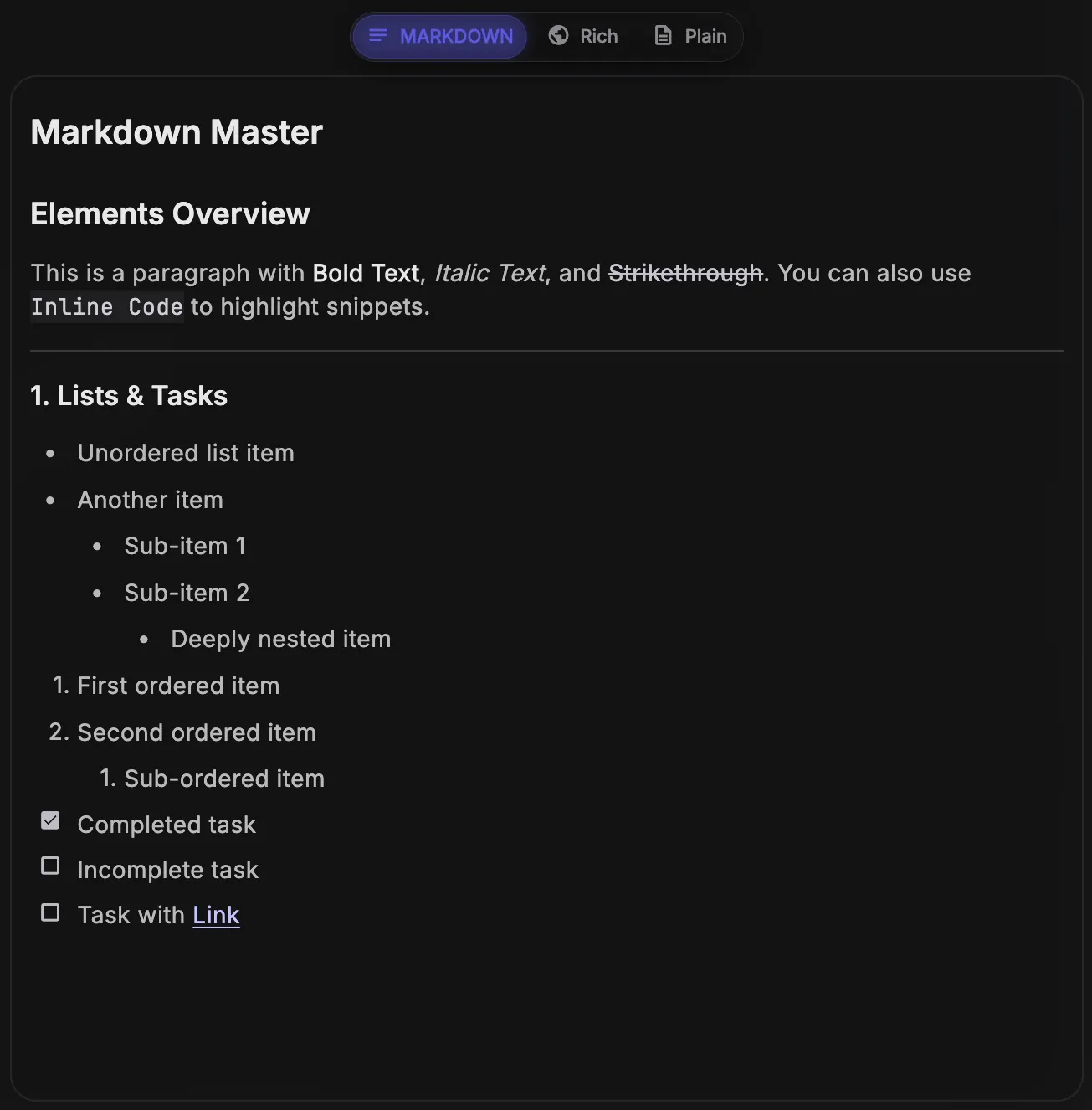
Preview content in place to reduce context switching.
Ready to make your clipboard feel effortless?
Install ClipaX and keep your copy memory always within reach.